
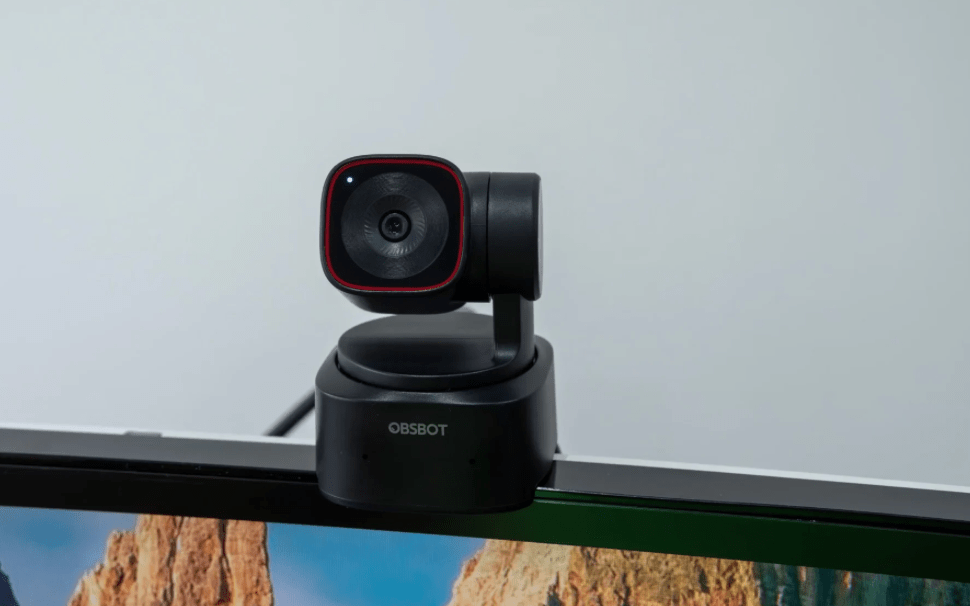
In today’s world of remote work, livestreaming, and content creation, a high-quality webcam isn’t just a convenience—it’s a must. The OBSBOT Tiny 2, with its 4K resolution, dual-axis gimbal, and AI tracking, promises to deliver a breakthrough in personal video experience. But is it really worth the investment? Let’s find out.
🔍 Overview: What is OBSBOT Tiny 2?
- Resolution: 4K UHD @30fps
- Dual-axis gimbal: Auto pan and tilt with tracking
- Smart features: AI Tracking, gesture control, voice commands, remote control
- Best for: Streamers, teachers, remote professionals, content creators
✅ Key Strengths
📸 Outstanding Image Quality
The OBSBOT Tiny 2 offers crisp, detailed visuals with excellent color accuracy. HDR mode helps balance bright and dark areas, making it ideal for home offices, studios, or any indoor space.
🎯 Smooth & Smart AI Tracking
The built-in gimbal enables ultra-smooth subject tracking. Whether you stand, sit, or move side to side, the camera follows you in real time with little delay.
🤳 Multiple Control Options
You can control the camera using:
- Hand gestures (e.g., raise hand, “OK” sign)
- Voice commands (English only)
- Physical remote control
- OBSBOT Center software on desktop
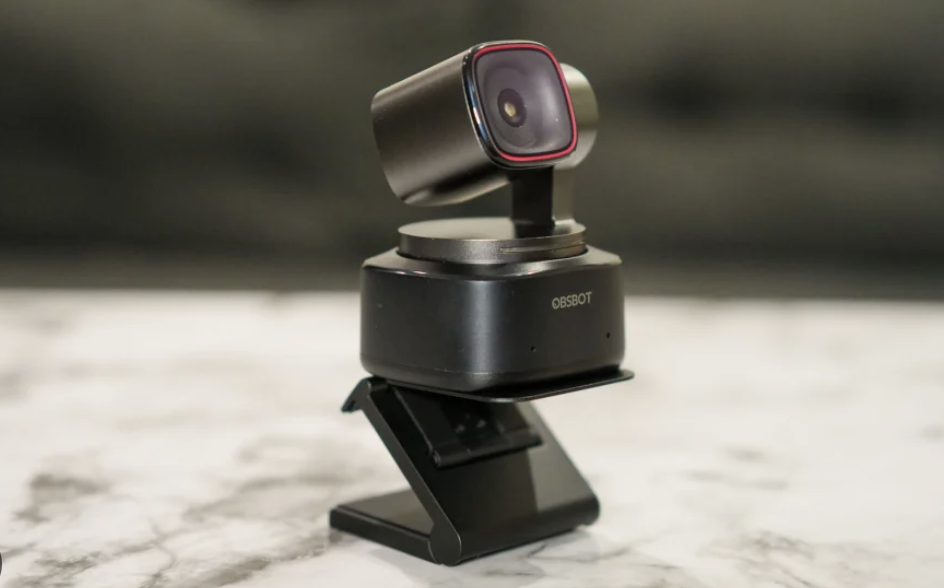
💡 Premium Build & Design
With a sleek metal body, magnetic mount, and tripod thread (1/4″), the Tiny 2 looks and feels premium—perfect for any professional setup.
⚠️ Points to Consider
🎤 Audio Could Be Better
The built-in dual mics are acceptable for video calls, but if you’re a serious content creator or podcaster, you’ll want an external mic for clearer, fuller audio.
🔌 Demands More System Resources
AI-powered features like virtual background blur or beauty filters can be resource-heavy. Expect some lag if using it on lower-end devices.
🔧 Software Still Needs Work
Some users have reported bugs like:
- App crashes (OBSBOT Center)
- Random zooming behavior
- Lag when used with Zoom or OBS Studio
💬 What Users Are Saying
“Tracking is super accurate—I can walk around and stay perfectly in frame.”
— Amazon user
“Software is buggy at times, but the image quality is worth every penny.”
— Tech blogger
“Mic is okay—but don’t expect studio sound.”
— Reddit comment
🔚 Final Verdict: Is It Worth It?
The OBSBOT Tiny 2 is a truly premium webcam with fantastic video quality, smart tracking, and a high-end design. For professionals who rely on video—streamers, teachers, presenters—this is a solid upgrade from basic webcams.
However, if you’re on a tighter budget or need 100% software reliability, you might want to consider alternatives like the Logitech Brio 4K or Insta360 Link.
🛒 Where to Buy?
Here are a few versions available in the market:
| Model | Approx. Price | Best For |
|---|---|---|
| OBSBOT Tiny 2 Lite 4K | ~$199 | Great for casual/personal use |
| OBSBOT Tiny 2 (Full AI version) | ~$250 | Best for professionals |
| Tiny 2 Livestream Combo | ~$350+ | Includes filters & extra tools for live creators |
 Good Pick
Leave a comment